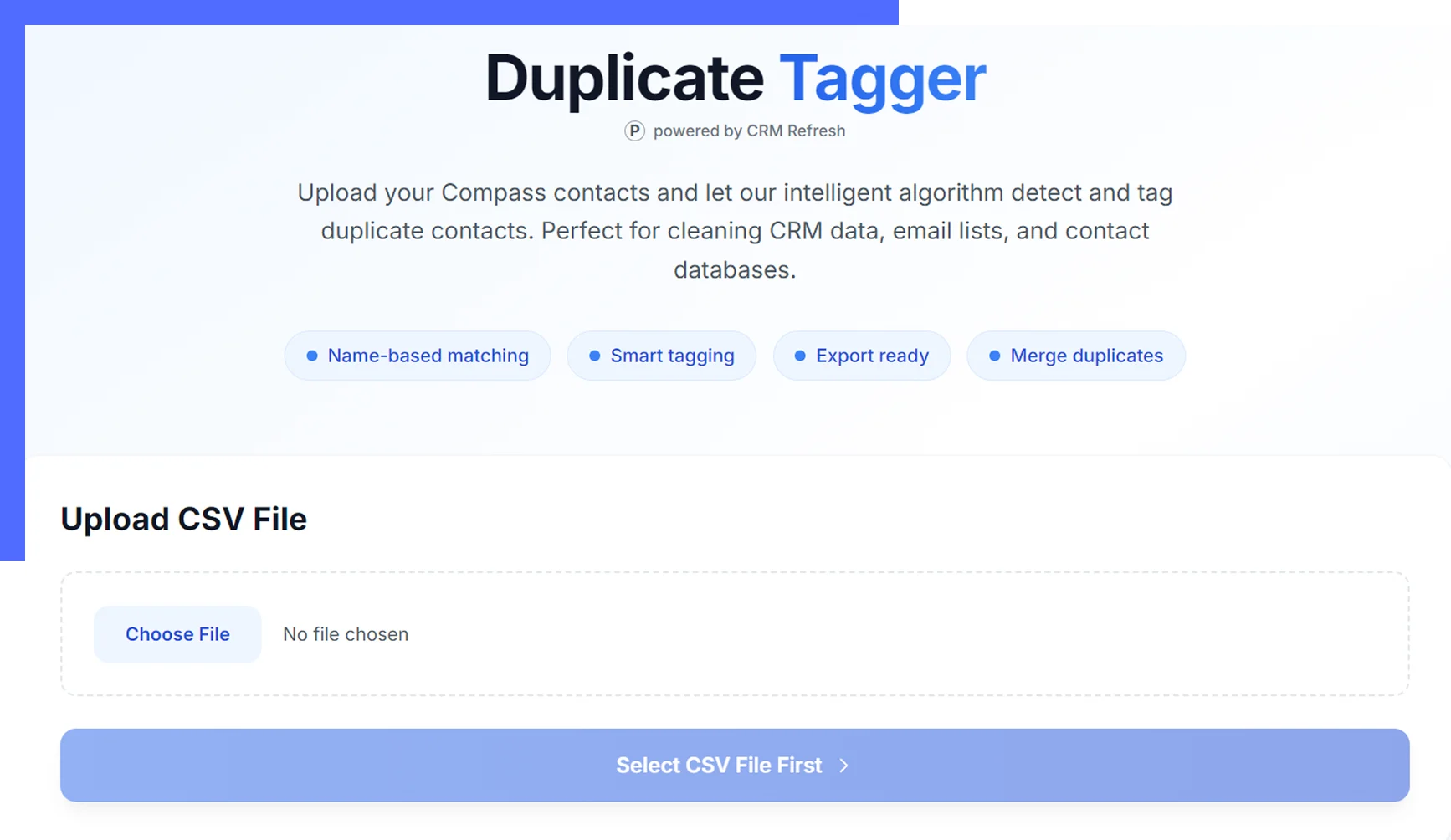
Duplicate contacts are costing you opportunities and making your marketing look unprofessional. Get rid of your CRM duplicates in minutes, not hours.
How Does The DIY Duplicate RemoverWork?
Once you’ve signed up, you’ll receive a usage token and a link to the CRM Refresh Duplicate Tagger tool.
STEP 1
Export Contacts: From your Compass CRM, export all contacts as a CSV file.
STEP 2
Upload & Authenticate: Open the CRM Refresh Duplicate Tagger link, upload your CSV, and enter your token code. (A short video guide is available on the page.)
STEP 3
Tag Duplicates: Click “Tag Duplicates” and wait up to 5 minutes for processing. The final file will have all duplicates tagged, with one master record per group.
STEP 4
Reupload & Clean: Upload the processed file back to Compass CRM. Filter contacts tagged CRM: Duplicate and delete them – your CRM is now duplicate-free.
💡 Worried about making a mistake?
Click here to book a call with our professional team for a $150 done-for-you setup – we’ll handle the entire process for you.
Is Your CRM a Mess ofDuplicates?
You know the importance of marketing to your sphere. It’s the lifeblood of a sustainable business.
But when “Robert Smith,” “Rob Smith,” and “Bob Smith” are three separate contacts in your system, your marketing efforts are wasted.
You send multiple postcards to the same household.
You can't get a clear picture of your actual sphere size.
Your data is unreliable, making targeted outreach impossible.
A messy CRM doesn’t just feel disorganized – it actively hurts your business and damages your professional image.
Manually Cleaning Duplicates Can FeelSoul-Crushing
The solution isn’t a mystery. You could fix this.
You could block out an entire afternoon, brew a strong pot of coffee, and prepare for the mind-numbing task of clicking, comparing, and merging… for hours.
Just thinking about it is exhausting.
Wasted Time: Spend 4-6 hours of your valuable time doing a task a computer can do in seconds.
Human Error: Risk accidentally merging the wrong contacts or deleting important information.
Opportunity Cost: Imagine what you could do with those extra hours - prospecting, following up with real leads, or even taking a well-deserved break.